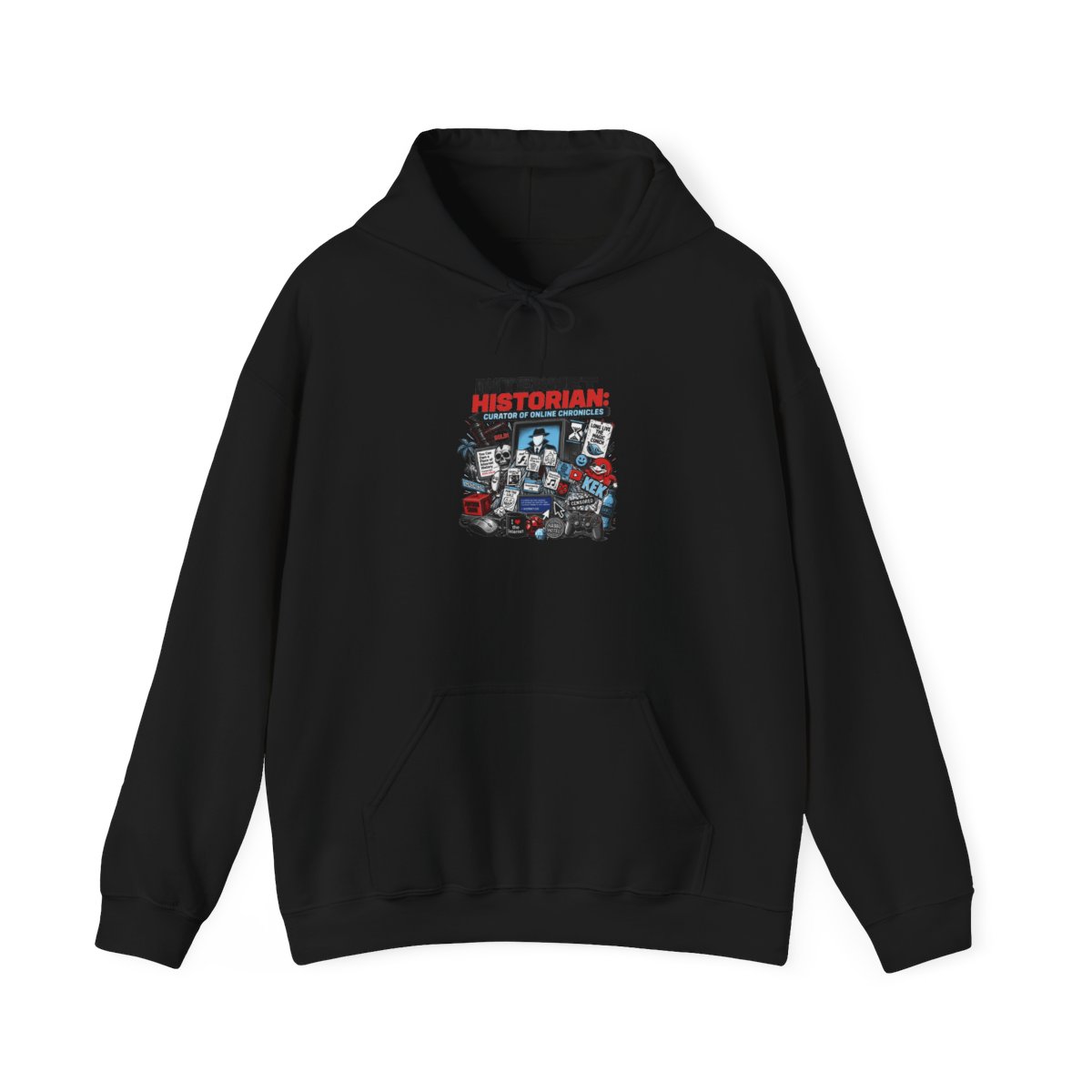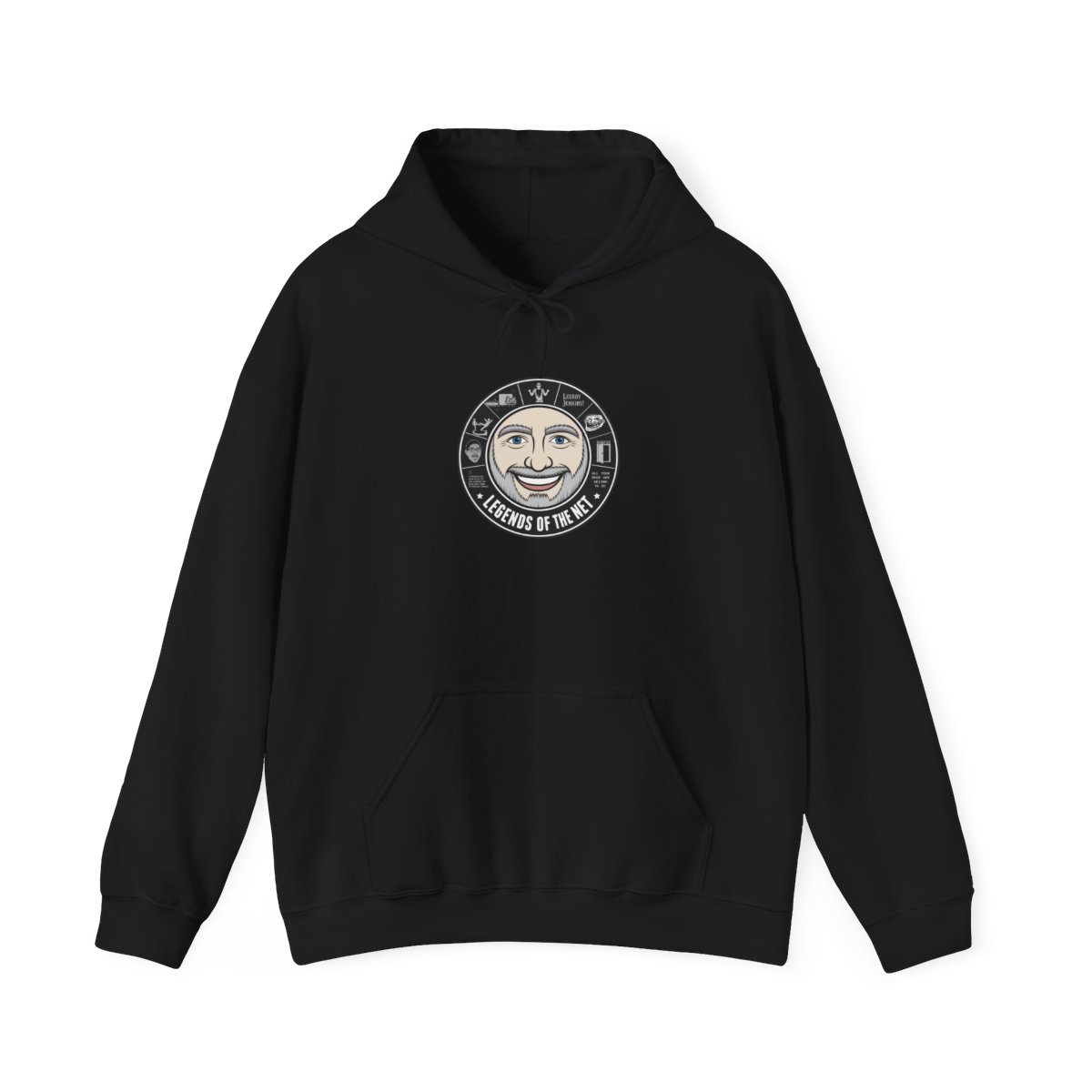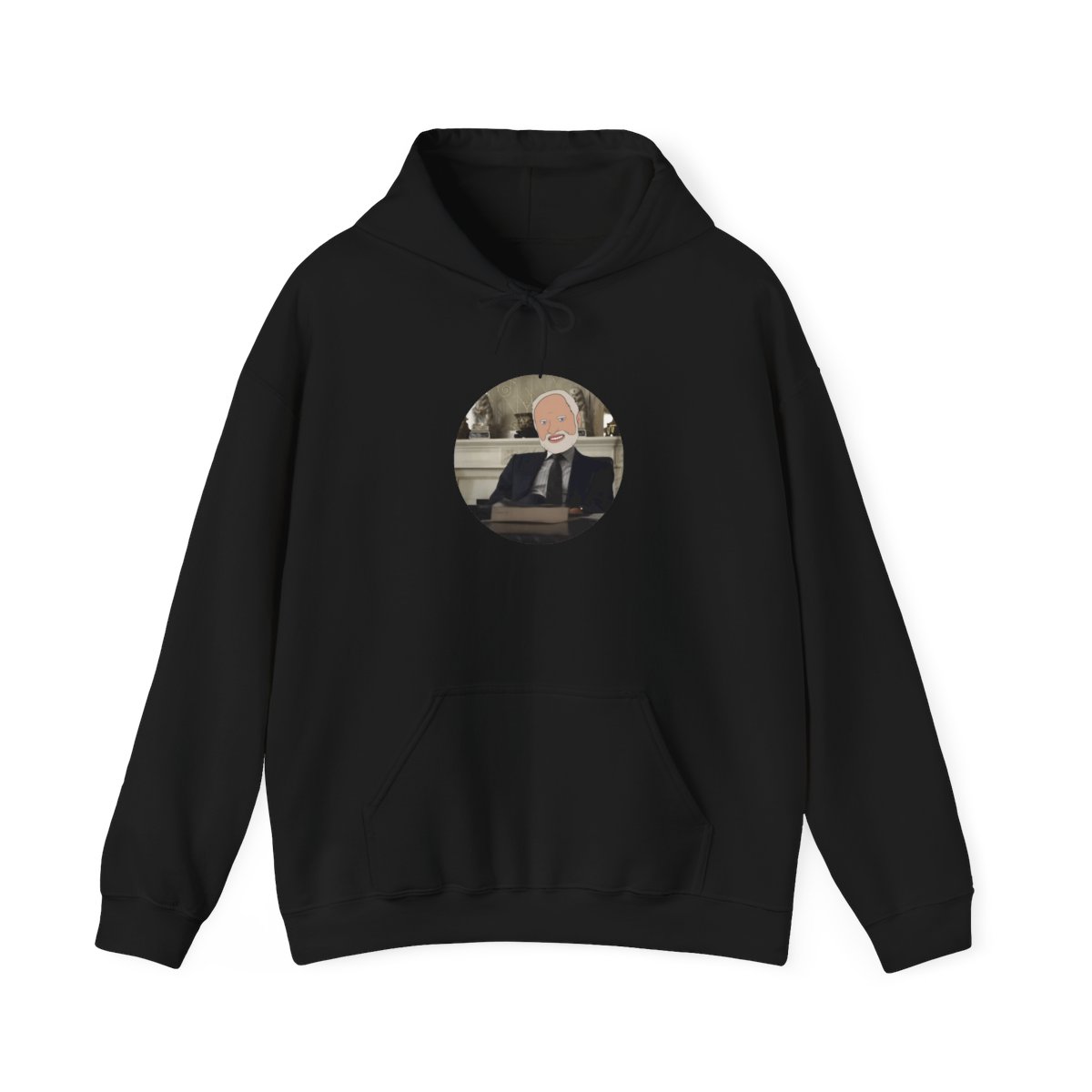
Your Internet Historian hoodie isn't just a piece of clothing - it's a badge of honor for any fan of the man, the myth, the meme lord himself. Whether you picked up the limited-edition "Go Ask Your Dad" design or the classic "Internet Historian" logo, you want that screen print to stay crisp and that fabric to stay soft. With the right care, your hoodie can look fresh for years. Here's the ultimate care guide tailored for your prized merch.
← Back to Blog
Internet Historian hoodie care: Keep it looking new for years
Keep your Internet Historian hoodie looking crisp and vibrant for years with these expert washing, drying, storage, and stain removal tips tailored for screen-printed fan merch.
Washing tips for preserving screen prints
Screen-printed designs are the soul of any Internet Historian hoodie. The heat and agitation from a standard wash cycle can cause cracks, peeling, or fading if you're not careful. To keep that print looking like new, always turn your hoodie inside out before washing. This simple step protects the design from rubbing against other clothes or the machine drum.
Use cold water - hot water is the enemy of screen prints. Cold water is gentler on the fabric and the ink, and it also prevents shrinkage. Choose a gentle or delicate cycle on your washing machine to reduce agitation. And here's a secret: skip the fabric softener. It can leave a film that dulls the print's colors over time. Instead, use a mild liquid detergent that's free of bleach or optical brighteners.
Never wash your hoodie with zippers, buttons, or rough items like jeans. Those can snag the fabric or scrape the print. Ideally, wash it with other soft cotton items like t-shirts. Wash your hoodie separately if it's the only one with a special print - or just do a small load for your Internet Historian gear.
Drying do's and don'ts
Heat is the fastest way to ruin a hoodie. High heat in a dryer can cause the screen print to crack, the fabric to shrink, and the colors to fade. The absolute best method is air drying. Lay your hoodie flat on a clean, dry towel or a drying rack away from direct sunlight. Sunlight can bleach the colors over time. If you must use a dryer, set it to the lowest heat or air-dry setting, and remove the hoodie while it's still slightly damp. Never use high heat.
Another tip: if you do air dry, reshape the hoodie while it's wet. Hoodies can stretch or sag when drying, especially if hung by the neck. Always lay it flat to maintain its shape. And never wring or twist the hoodie to squeeze out water - that can distort the fabric and damage the print. Instead, press gently with a towel to remove excess moisture before laying it flat.
Storage solutions to prevent fading
Believe it or not, how you store your Internet Historian hoodie matters. Fold it rather than hanging it if possible. Hanging can cause the shoulders to form unwanted bumps and stretch the fabric over time. If you must hang it, use a padded or wide hanger to distribute the weight. Store it in a cool, dark place. Light - especially UV light - is a major cause of fading. A closet or drawer works perfectly.
Avoid storing your hoodie in plastic dry-cleaning bags or airtight containers. Plastic can trap moisture and lead to mildew. Use a breathable garment bag if you need protection. Also, be careful with cedar or mothballs - their chemicals can interact with the print. A sachet of lavender is a safer alternative for freshness.
If you have multiple Internet Historian hoodies, stack them instead of cramming them together. This prevents creases and protects the prints from rubbing against each other. For long-term storage, consider placing acid-free tissue paper between folds to reduce stress on the fabric.
How to remove stains without damaging fabric
Accidents happen - even to the most careful fans. Whether it's a drop of pizza grease during a viewing party or a splash of coffee while catching up on the latest video, you need to act fast. Blot the stain immediately with a clean cloth or paper towel. Do not rub - rubbing pushes the stain deeper and can damage the print.
For most stains, a mix of cold water and a mild laundry detergent applied with a soft cloth works wonders. Gently dab the stained area from the outside in. For tougher stains like grease, use a small amount of dish soap (the kind that cuts grease). Let it sit for 10 minutes, then rinse with cold water. Never use bleach or stain removers with harsh chemicals - they can fade the dark colors of your hoodie or yellow the print.
If the stain is on the printed area, be extra gentle. Use a soft-bristled toothbrush or your fingers to lightly work the solution into the stain. Rinse thoroughly, then wash the hoodie according to the instructions above. Air dry and check if the stain is gone before repeating the process.
Your Internet Historian hoodie is built to last with proper care. Follow these tips, and you'll be wearing that iconic design for years to come - maybe even until the next big video drops. Keep it fresh, keep it clean, and keep on memeing.
Ready to show off that pristine hoodie? Head to the store to check out the latest designs and grab a backup before they sell out.
Related Posts
General
Internet Historian Hoodie vs. Standard Hoodies: What Makes It Unique
Compare the Internet Historian Premium Hoodie to standard hoodies in terms of materials, design, and...
GeneralWhat to expect when unboxing your Internet Historian merch
Curious about Internet Historian merch quality before ordering? This post breaks down the unboxing e...
GeneralCan You Wear Internet Historian Merch to Work in 2026
Learn how to style Internet Historian merch for a professional workplace in 2026. From smart casual ...
Shop Internet Historian Merch
Official merchandise — premium quality, designed for the community.